By clicking “Accept”, you agree to the storing of cookies on your device to enhance site navigation, analyse site usage, and assist in our marketing efforts. View our Privacy Policy for more information.
How to Upgrade your Unreal Configurator with OmniStream’s Media-on-Demand Mode
July 14, 2026
When it comes to reaching customers with your Unreal Engine configurator, flexible deployment is everything. Different use cases need different solutions, so your pixel streaming solution needs to deliver both fully interactive real-time 3D experiences and on-demand, 2D imagery.
OmniStream is the ultimate double-threat streaming solution for Unreal applications. Rather than forcing you to settle on just one method, OmniStream supports Unreal Engine 3D pixel streaming and a 2D Image Mode (Media On-Demand), so you can leverage the benefits of both.
When you need to deliver instant, scalable images generated directly from your Unreal Engine configurator, OmniStream’s 2D Image Mode excels.
Efficient On-the-Fly Image Generation: OmniStream’s media on-demand mode commands your Unreal app to instantly generate unique images based on the specific state requested by the user. This opens up powerful user content opportunities, such as 2D configurators, curated product galleries and personalised brochures.
Simple CDN Integration and Smart Caching: OmniStream’s 2D image mode can easilyintegrate with your Content Delivery Network (CDN), allowing you to cache and serve static assets across the world.Smart caching allows you to control pre-caching, ongoing caching rules and re-caching content after product updates, as well as managing different aspect ratios and how content for turntables is handled.
Interactive Turntables and Step Controls: By exposing camera parameters (like yaw and pitch controls) to your state schema, you can effortlessly generate discrete sequential frames, such as a perfect multi-step turntable (e.g. 16, 32, 64+) rotation around a vehicle or product.
Immersive 360° Panoramas: ZeroLight’s Camera Editor can instantly render a beautifully detailed, interactive panorama webpage, providing an immersive view of an entire cabin layout from a single asset render.
How does it work?
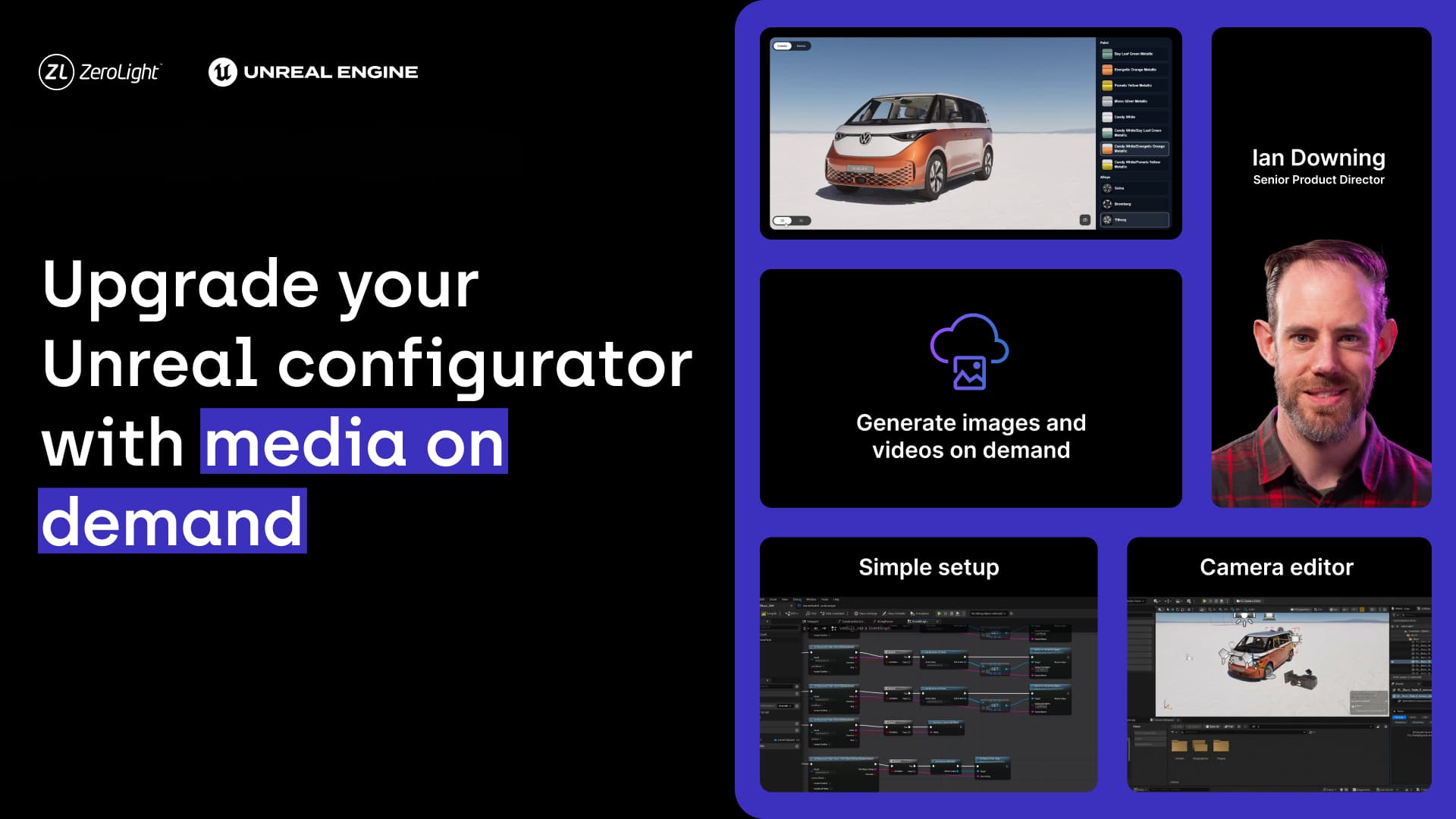
Regardless of which OmniStream mode you deploy, the integration workflow inside Unreal Engine is nice and straightforward. Take a look at this 20-minute walkthrough to see how it works.
This video covers:
Setting up the OmniStream plugin and Blueprints
Defining your application schema
Using ZeroLight’s custom camera editor
Deploying your Unreal app and web integration basics
Enterprise-grade cloud infrastructure
OmniStream isn't just a plugin; it's a fully managed enterprise solution backed by AWS’ massive global infrastructure. To date, the platform has successfully powered over 50 million streaming minutes, completed 250 million configurations, and generated more than 685 million images for mass-market, luxury, and EV automotive brands worldwide.
It handles global cross-region scaling, comprehensive version management, automated scheduling, and cloud log retrieval right out of the box.
Request your OmniStream free trial
Whether you want to captivate customers with an entirely interactive real-time 3D stream or deploy a hyper-efficient asset generation pipeline via Media On-Demand, OmniStream can do both, seamlessly.
We are currently offering a free trial equipped with streaming credits, alongside a trial for the Media On-Demand architecture demonstrated in the webinar. Check out our comprehensive developer documentation or reach out directly to launch your application.

.jpg)